
Introduction
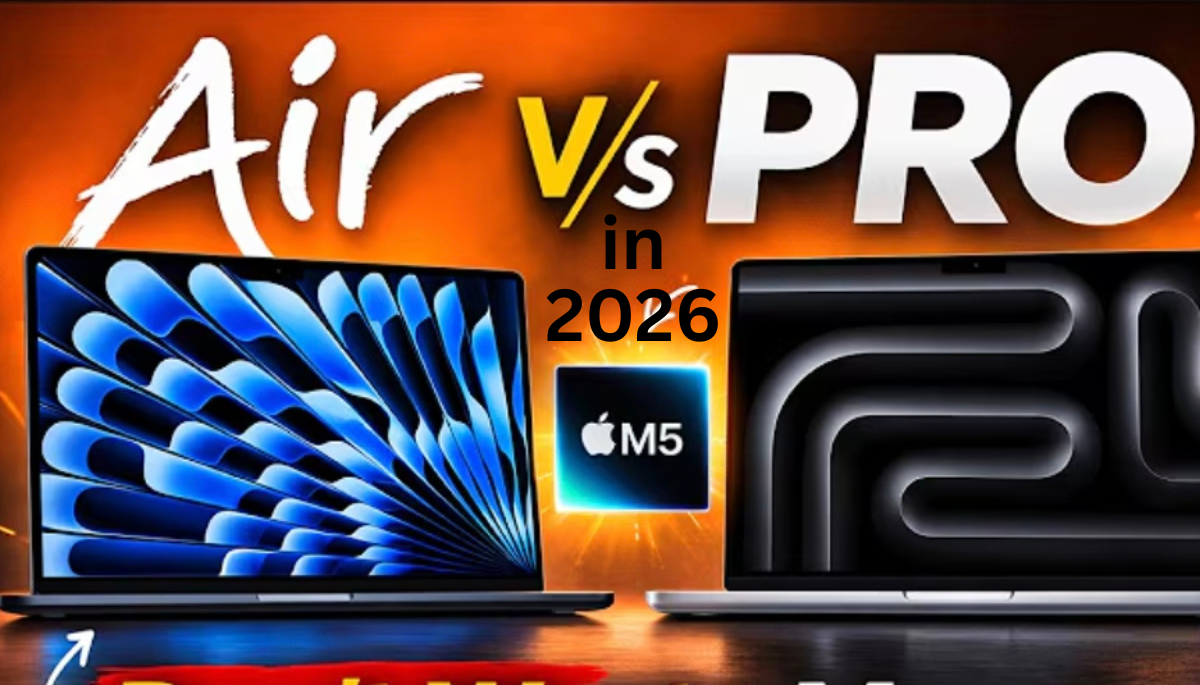
When it comes to Apple MacBook, MacBook is designed to last for a long time. Here we will tell you some important details about Macbook Air or Macbook Pro so that you can buy Apple MacBook easily.
The M5 MacBook Air, and the M5 Pro-powered MacBook Pro, and choosing between them shouldn’t necessarily be about speed or performance, but about which one is better suited to the way you work. Specs and benchmarks can be useful tools, but in many cases, how you move around or where you use the laptop, what you’re putting on the screen, and what you’re actually using it for will have a greater impact.
Design and Build Quality:
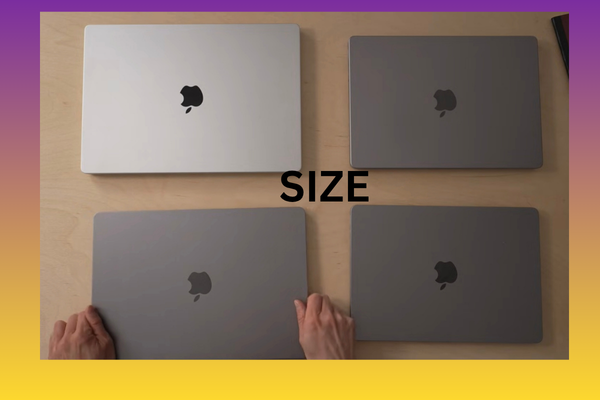
Both have similar build quality with all-aluminum housings, and although both machines are silver, the Air offers more color options. Still, I prefer the black backing around the Pro’s keyboard.
Both the 15-inch Air and Pro models have six-speaker sound systems, while the 13-inch Air only has four speakers.
However, if you’re listening to music or watching content, the Pro’s speakers deliver slightly louder and richer sound. This is expected, as the Air is clearly the more portable of the two.
Portability and Size:
when compared to the 15-inch Air (3.3 lb) and the 14-inch Pro (3.5 lb), the Air is thinner and lighter,
and the 13-inch Air weighs 2.7 lb—nearly a pound lighter than the Pro.
The Air is great to travel with and use. This gives the Air greater portability and makes it easier for travel or mobile use.
Display Quality , Brightness and Features:
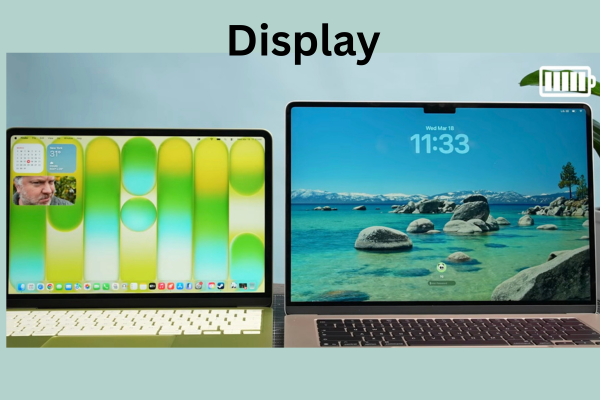
If you’re working outdoors or in really bright areas, the screen on the Pro is better suited for that, with up to 1,000 nits of brightness in SDR or 1,600 nits in HDR. The Air tops out at 500 nits.
The Pro has a 120Hz Pro Motion Liquid Retina XDR display with a variable refresh rate. So, not only is it very smooth when scrolling or with any motion, but because it varies, the refresh rate can match the frame rate of your content and make motion more smooth than the Air display, which is still locked to 60Hz. 60Hz on a laptop display isn’t a dealbreaker for me by any means. It certainly won’t be as smooth as the Pro Motion.
Connectivity and Ports:
MacBook Air Or MacBook Pro Features
MacBook Pro features:
Three Thunderbolt 5 ports
HDMI 2.1 port
SD card reader
Headphone jack
MacBook Air features:
Two Thunderbolt 4 ports
Headphone jack
HDMI 2.1 port -Not available.
SD card reader -Not available.
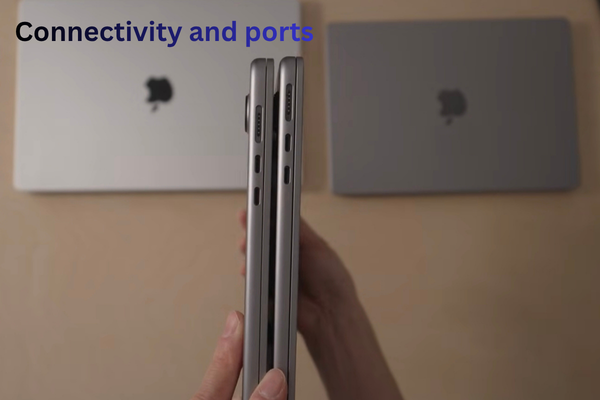
The MacBook Pro offers more ports, including dedicated HDMI and SD card slots, which are valuable for creative professionals.
The MacBook Air has fewer ports; Adapters are required for HDMI and SD cards, consuming the Thunderbolt port.
Wireless Connectivity:
MacBook Air Or MacBook Pro use Apple’s N1 networking chip, which supports Wi-Fi 7 and Bluetooth 6.
Performance and stability are excellent, and Wi-Fi speeds are higher than other Windows Wi-Fi 7 laptops we’ve tested.
Battery Life:
Apple claims:
Air: Up to 18 hours
Pro: Up to 20 hours
Real-world usage:
Air offers approximately 12-13 hours.
Pro offers slightly more (1-2 additional hours) on light tasks.
Under heavy load (for example, exporting a 15-minute video), the Pro drains the battery faster (23% battery usage in 15 minutes) vs. the Air’s 12% in 22 minutes – primarily due to the Pro completing the task faster.
Charging time:
Both reach ~50% charge in 30 minutes.
Full charge: Air takes ~2 hours, Pro ~1.5 hours.
why should buy (MacBook Air and Pro )
99% Users: MacBook Air is adequate, it offers great processor performance and capabilities.
Both can handle daily video/photo editing and general content creation work equally well.
The main difference is the MacBook Pro has an internal fan, while the MacBook Air is fanless and uses passive cooling.
The fan in MacBook Pro enables sustained workloads for longer periods of time without thermal throttling, keeping CPU performance at high levels for longer periods of time.
summary and conclusion:
you get exactly the same chip in MacBook Air Basic and MacBook Pro Basic.
There is no difference in the processor of both. Exactly the same processor has been put in both. You will get 10 core CPU, 10 core GPU, 16 core Neural Engine in MacBook Air as well and 16 core Neural Engine in MacBook Pro as well.
Along with that if we talk about memory bandwidth, you will get 153GB per second memory bandwidth in both. That means whether you buy MacBook Air or MacBook Pro, you will get exactly the same processor in both.
However, in one model of MacBook Air you also get the option of 10 core GPU and 8 core CPU.
The MacBook Pro offers better audio with more speakers and enhanced bass, perfect for music production or immersive audio.
Both microphones excel at sound isolation, effectively canceling out ambient noise for clear video conferencing or recording.
The Air doesn’t support high-impedance headphones, but most users won’t notice this because 99% of headphones are low-impedance.