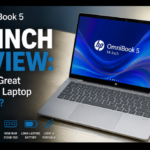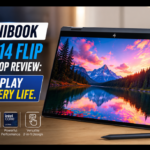
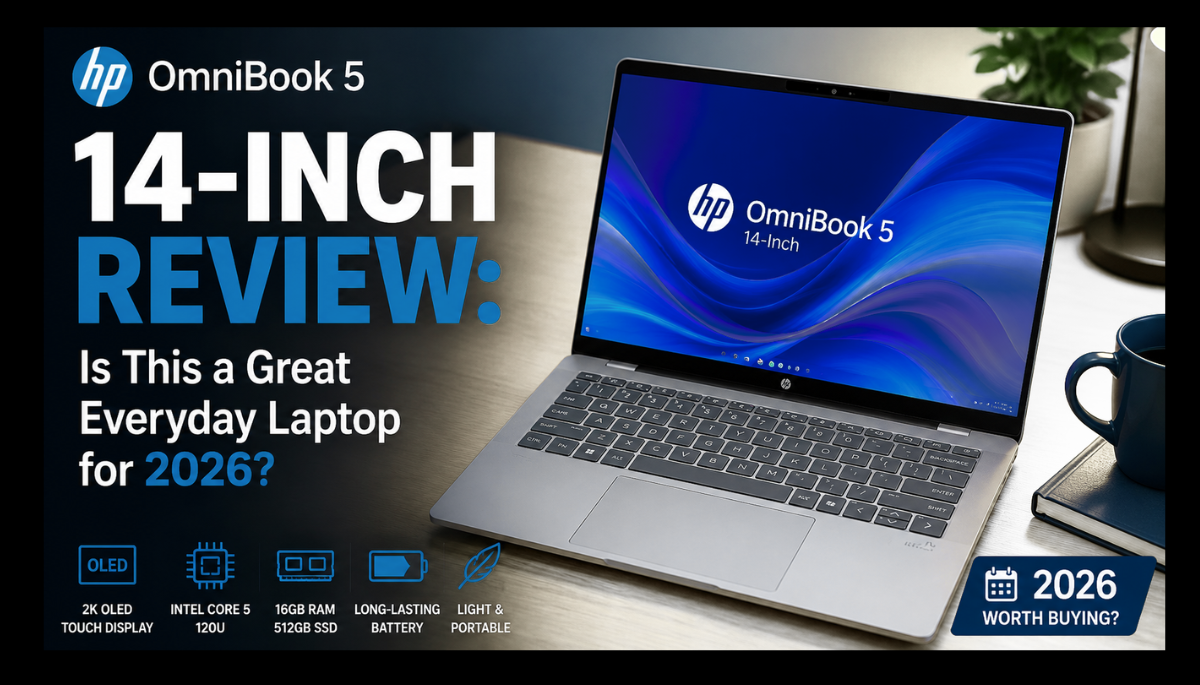
HP has launched a budget-friendly laptop called the OmniBook 5. It features a 14-inch, 2-in-1 touchscreen display. It’s designed for everyday use, such as school work, content creation, and office work.
This laptop is specifically for users who want a reliable and portable device.
HP introduced this as an upgraded model to the Pavilion series, featuring a sleeker design, better build quality, and several features that emphasize productivity rather than heavy gaming and video editing.
The HP OmniBook 5 is notable for its flexibility, allowing it to convert to tablet mode. Its long battery life and fast charging support make it ideal for webcam and sound quality for online meetings. The HP OmniBook 5 is a better option for users who want a laptop that offers portability and touchscreen features at a low and affordable price.
Watch Video on YouTube about OmniBook 5
About Display and it’s Design
HP has launched a mid-range laptop with a 14-inch 2K IPS screen that offers vibrant colors and wide viewing angles. Its brightness rating of 300 nits is suitable for indoor use, which is good for students and professionals who need a big screen.
The HP OmniBook 5 features a touchscreen display that allows us to use it in both landscape and portrait modes.
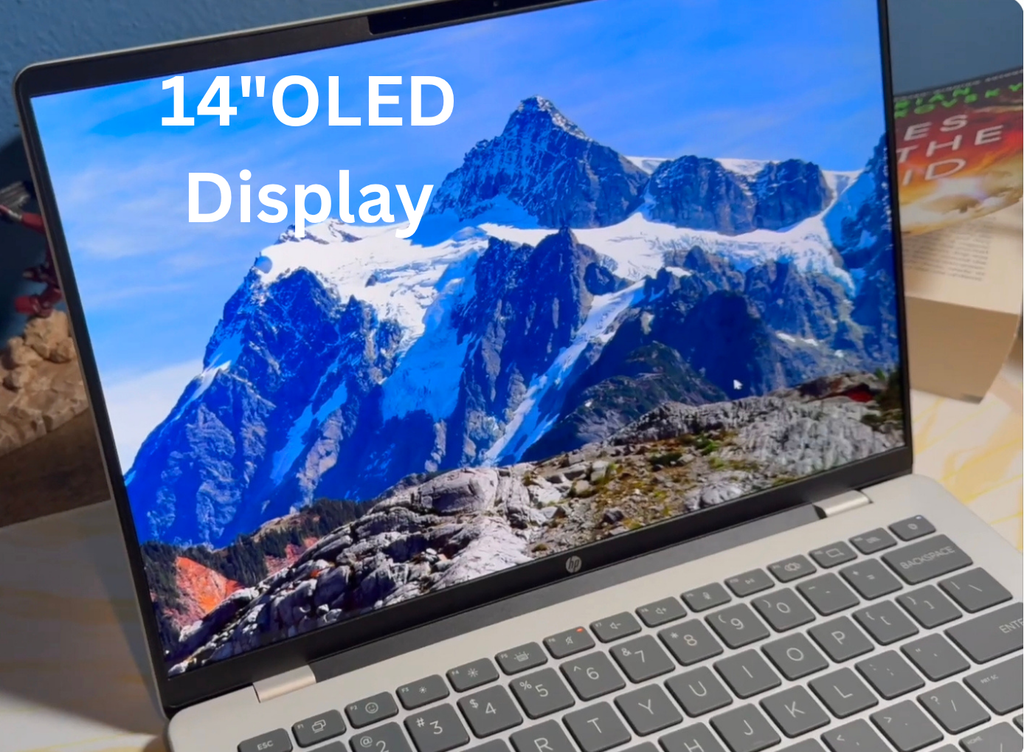
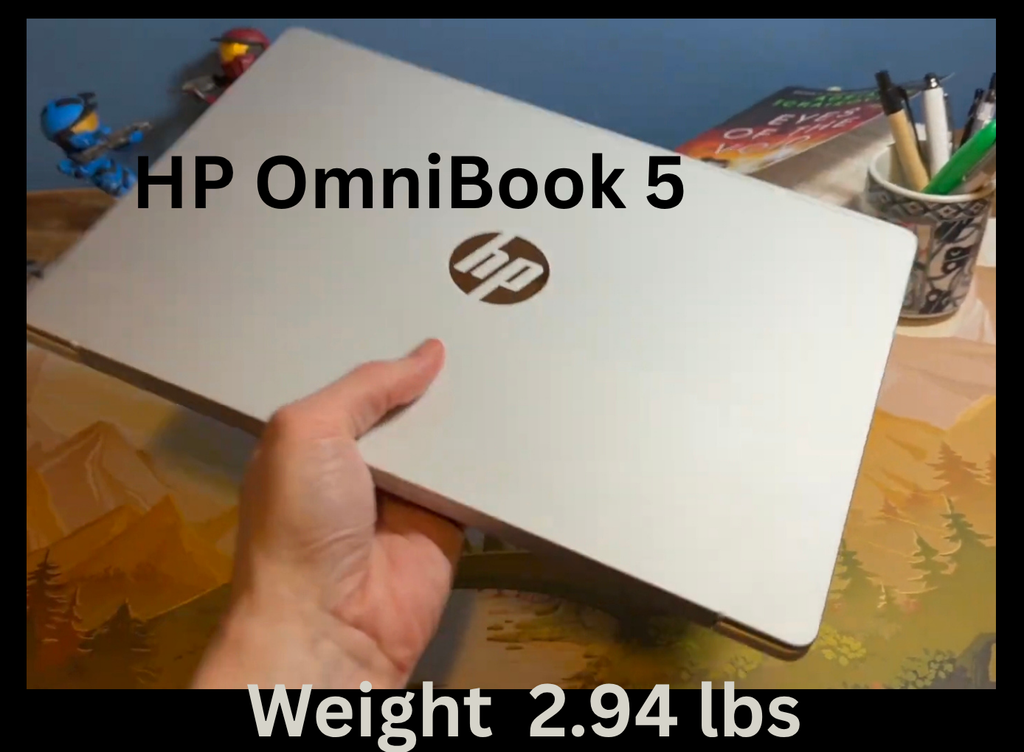
The OmniBook 5’s resolution depends on its configuration, which HP offers with an OLED and IPS display with a 1920×1200 resolution, 0.2ms response time, and 300-nit brightness. Some models also have higher resolutions, such as a 2880×1800 OLED panel with a 120Hz refresh rate and 500-nit SDR brightness.If portability is your top priority, HP’s 14-inch HP Omnibook5 laptop is the best option. 14-inch HP laptops start at around 2.9 pounds, making them very easy to carry for users like college students and professionals who travel frequently.
Talking about the Intel Core processor in this laptop, it has Intel Core i5U, 16 GB LPDDR5 RAM and 1 TB SSD storage with integrated Intel Iris Xe graphics, which easily handles office work application software like MS Office and coding environment, video editing etc.
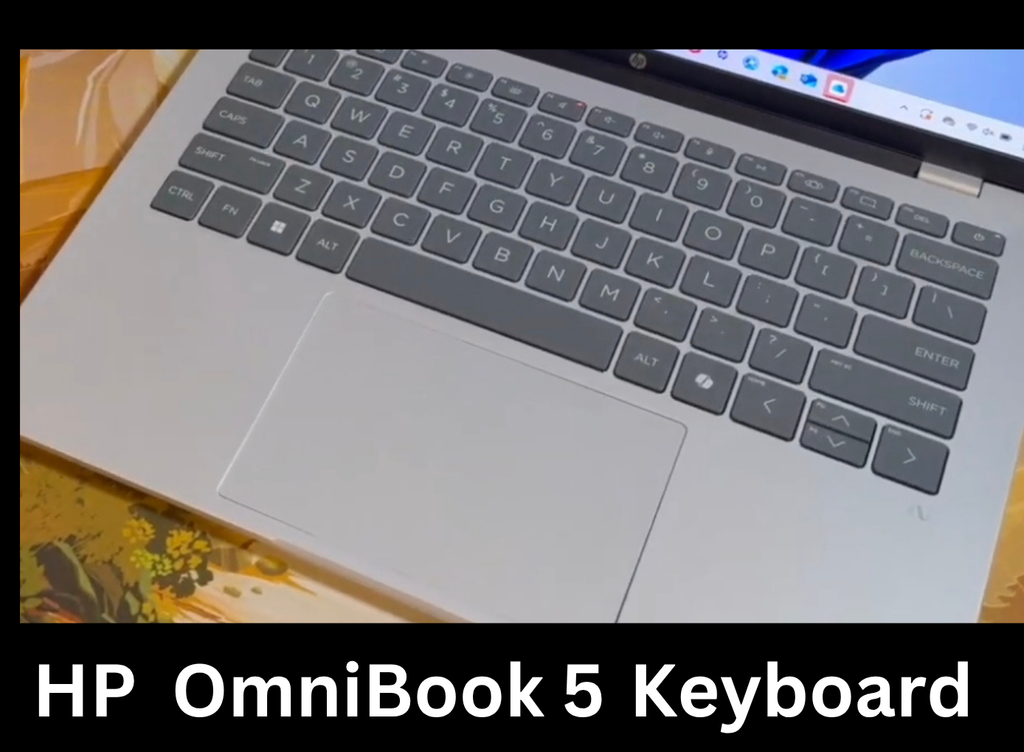
Many companies offer laptops in the same price range as the HP OmniBook 5 that don’t have a numeric keypad. However, this laptop offers features like a backlit keyboard and a smooth touchpad for specialized groups like accountants and finance students.
About Battery and it’s Performances
The HP OmniBook 5 offers long-lasting battery life with HP claiming 34 hours of battery life for the Snapdragon configuration when playing videos.
This figure is for a specific configuration and testing scenario, not for normal web browsing and multitasking.
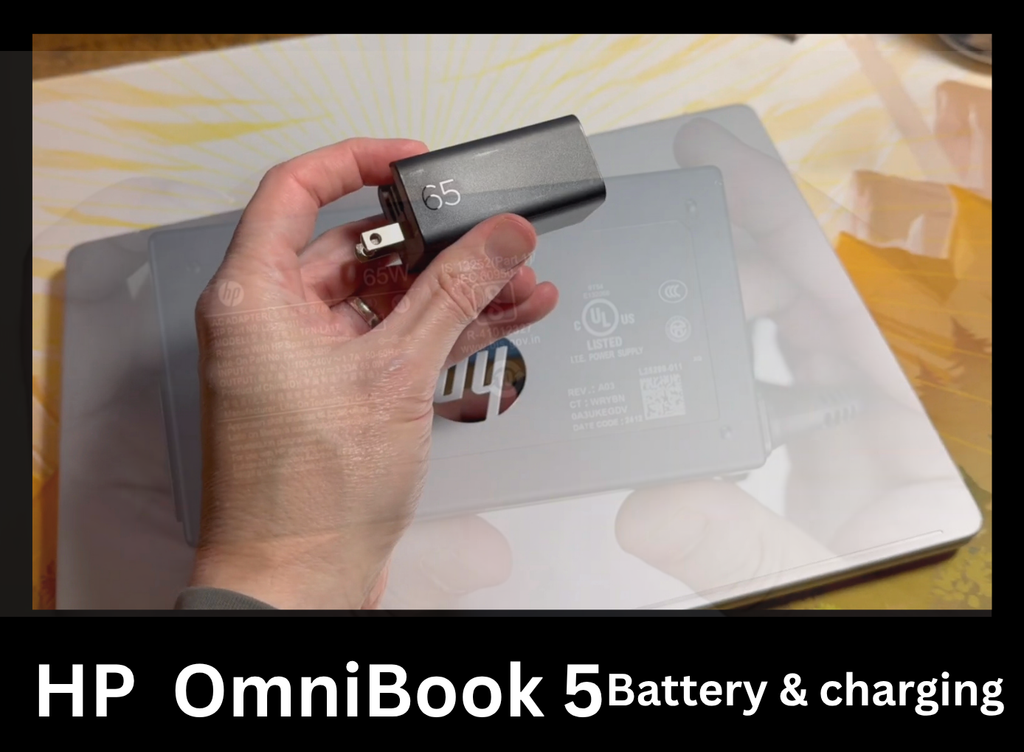
The HP OmniBook 5 has 65 watt fast charging support, which can charge the Snapdragon laptop up to about 50% in 30 minutes. However, the Intel and AMD versions offer different battery charging options. So, while buying, keep in mind that not all OmniBook 5 have the same battery life and charging support. If battery is your priority, consider a laptop with Snapdragon.
However, it can easily last a whole day with normal use.Talking about the connectivity of this laptop, it has ports like USB-C, USB-A and HDMI which meet the daily needs.
Specifications Of HP OmniBook 5 14 Inch
| Specification | HP OmniBook 5 14t-hk000 |
|---|---|
| Model | HP OmniBook 5 14 Inch |
| Operating system | Windows 11 Home |
| Processor | Intel Core i5 |
| Max Turbo frequency | Up to 5.0GHz |
| Chipset | Intel integrated |
| Graphics | Intel Graphics |
| RAM | 16GB onboard |
| Storage | 512GB |
| Display size | 14 inches |
| Resolution | 1920 × 1200 (2K) |
| Panel | OLED |
| Touchscreen | Yes |
| Brightness | 300 nits |
| Low Blue Light | Yes |
| Screen-to-body ratio | 90% |
| Webcam | 1080p FHD IR |
| Webcam features | HDR auto switch, temporal noise reduction |
| Audio | Dual speakers |
| Keyboard | Full-size backlit keyboard |
| USB-C | 2 × USB-C, 10Gbps |
| USB-C features | USB Power Delivery 3.1, DisplayPort 1.4 |
| USB-A | 1 × USB-A 10Gbps + 1 × USB-A 5Gbps |
| HDMI | HDMI 2.1 |
| Headphone jack | 3.5mm headphone/microphone combo |
| Wi-Fi | Realtek Wi-Fi 6 2×2 |
| Bluetooth | Bluetooth 5.4 |
| Battery | 65Wh |
| Fast charging | Around 50% in 30 minutes |
| Power adapter | 65W USB-C GaN |
| Color | Glacier Silver |
| Alternative color | Starlit Blue |
| Weight | 2.94 lbs |
About Pros and Cons of HP OmniBook 5
Pros:
14-inch OLED display
better and Backlit keyboard
Good port selection: USB-C, USB-A, HDMI 2.1,
Long battery life
Fast USB-C charging
Premium and Lightweight design
Wireless Wi-Fi 6 connectivity
Strong and better everyday performance
Cons:
Only 300-nit OLED brightness
Integrated only The Intel Graphics
Not fullfit for professional creators
Tlimited upgradeability
build quality doesn’t stand out
Frequently Asked Questions
Is the HP OmniBook 5 a good laptop?
Yes. The HP Omnibook 5 is a great Windows laptop and bugdet-friendly for its family, especially with Intel, AMD, or Snapdragon processors, 16GB of RAM, and a modern-looking, slim, touchscreen laptop with a good OLED display.
Is HP OmniBook 5 good for college students?
Yes,this laptop is especially suitable for students because of its portability with a good and normal sized screen of 14 inches. With 16 GB RAM configuration, you have enough space in this laptop for tasks like document editing, video calling and multitasking, in which you can do all the tasks easily.
Does the HP OmniBook 5 have an OLED display?
Yes, HP currently offers several OmniBook 5 configurations with OLED displays, including the current 14-inch and 16-inch models.
Does the HP OmniBook 5 have a touchscreen?
Some of the HP OmniBook 5 laptops have been provided with a touchscreen by the HP company, so before buying, the user should carefully check the configuration and model and then buy.
Should I buy the 14-inch or 16-inch OmniBook 5?
If portability is your top priority, so you can easily take this laptop anywhere, choose the 14-inch model.
But if you want a larger screen for productivity, spreadsheets, and entertainment, choose the 16-inch model.
Is the Snapdragon OmniBook 5 worth buying?
It can be.If we talk about Snapdragon chipsets, they prove to be good for battery life and portability, but users who want to use the laptop with some specific and older Windows software should check the compatibility first.
Final Summary
The HP OmniBook 5 is one of the most budget-friendly laptops available in 2026. It features a modern processor, AI capabilities, an OLED display, and a portable design that’s great for everyday use.
However, I recommend users check the configuration of the OmniBook 5 before purchasing it.
If you need good battery life, consider the Snapdragon version.
For most users in the U.S. looking for a good productivity laptop for schoolwork, browsing, streaming, and everyday tasks, the OmniBook 5 could be a good option otherwise you can go with HP OmniBook 3.