
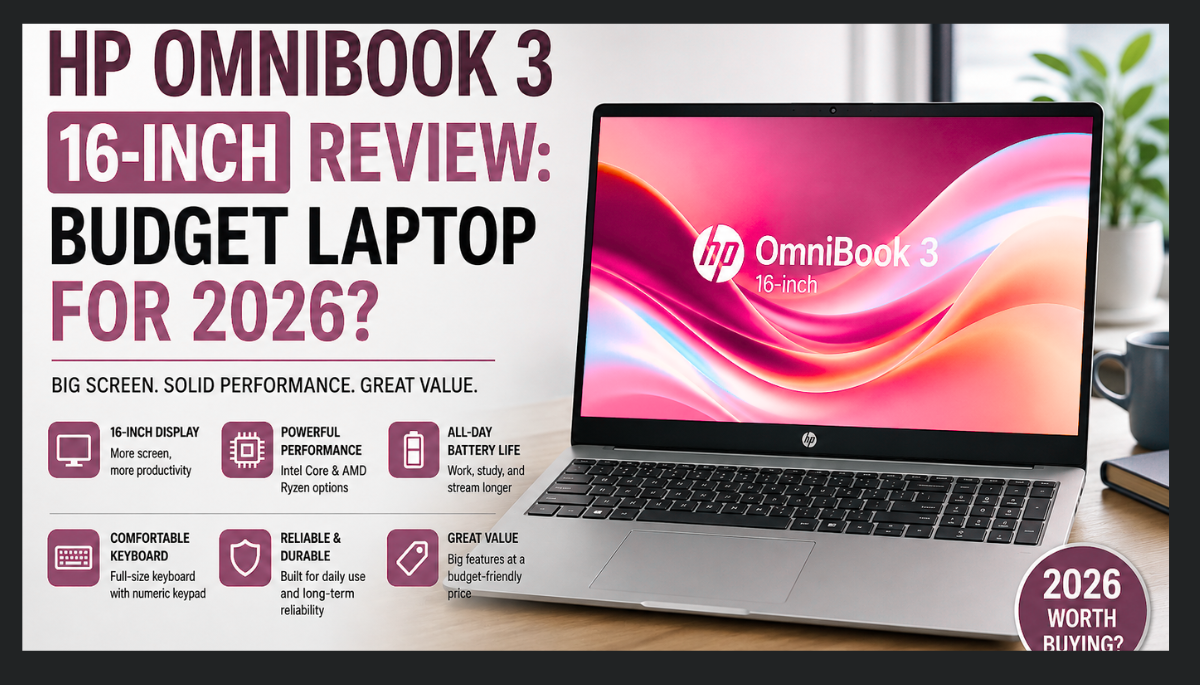
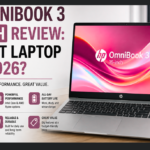
If you’re looking for an affordable laptop with a large display, without the price of a premium ultra book, HP has once again added a new addition to its powerful and Pavilion and Spectre-like line of laptops: the HP OmniBook 3, featuring an Intel Core Ultra 7 355 processor. Despite its low-end specifications, it’s still a powerful and budget-friendly 16-inch laptop.
HP designed this laptop specifically for students, remote workers, and families who want a good laptop at a low price.
Instead of looking for AI features and an ultra-thin design, the OmniBook 3 focuses on providing buyers with a great keyboard, a large 16-inch screen, and all-day battery life.
The HP OmniBook 3 features an SSD hard disk and DDR5 RAM, which runs smoothly due to the latest version.
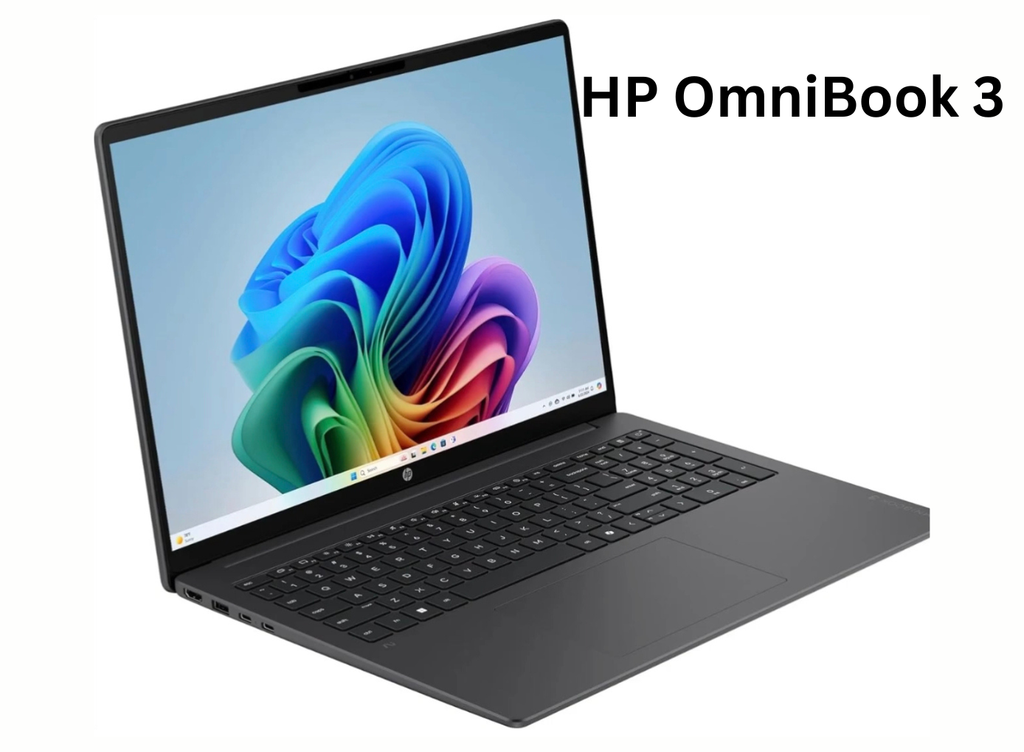
Considering the laptop’s design, the body is made of plastic, prioritizing lightness, high portability, and cost-saving. The HP OmniBook 3 laptop’s display is generally good, with an anti-glare coating, 60Hz, and 300-nit brightness, which is fine for general productivity. However, for professional users and video editors, lower accuracy and brightness may be preferable. But is it the right OmniBook 3, laptop for you? Let’s find out.For more information about this laptop, read the graph below.
Table of Contents
Watch Video on Youtube about HP OmniBook 3
All about design, display and battery performance
Design:-
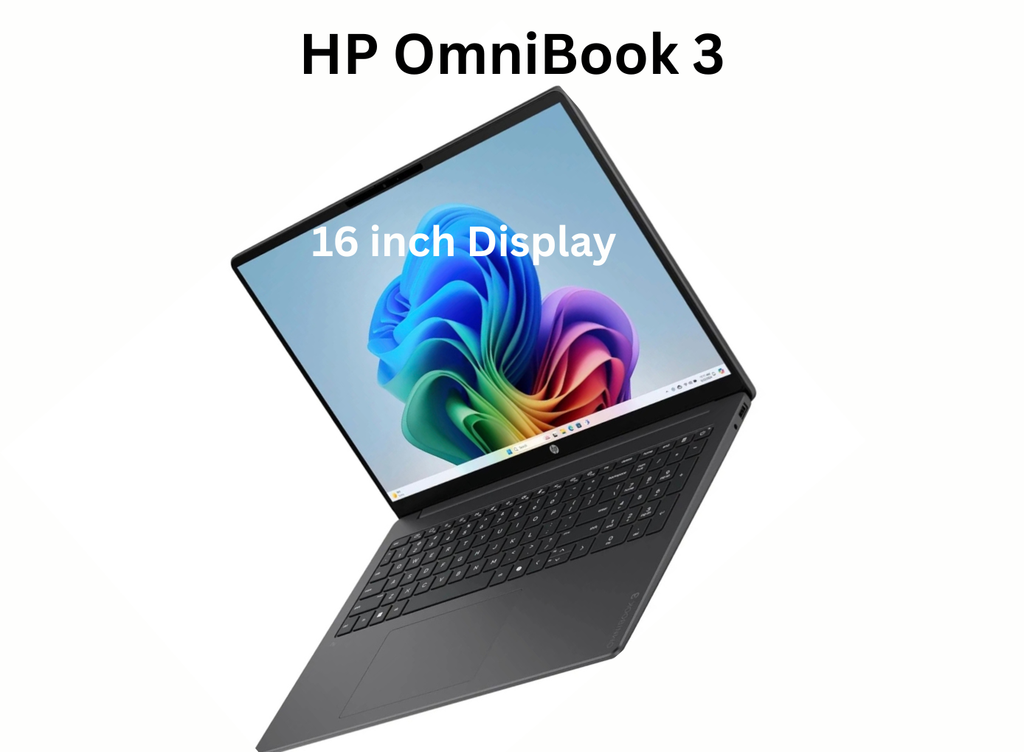
HP hasn’t tried to make the HP OmniBook 3 look like an expensive, premium Ultra-book, but its sleek design, thin display bezels, and rounded edges give it a professional look that’s perfect for classrooms, offices, and coffee shops. It also looks clean.
Although its body design is mostly plastic, its strong keyboard and display make it even better.
Another great feature of the HP OmniBook 3 is its full-size keyboard with a dedicated number pad, making typing much easier than on a 14-inch laptop.
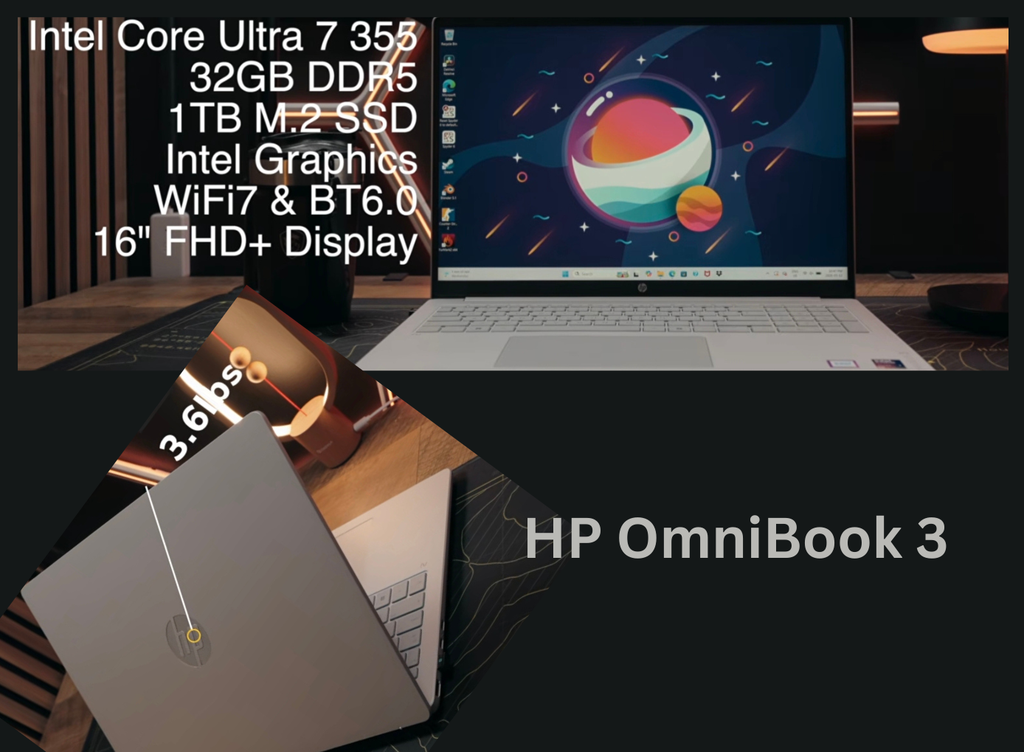
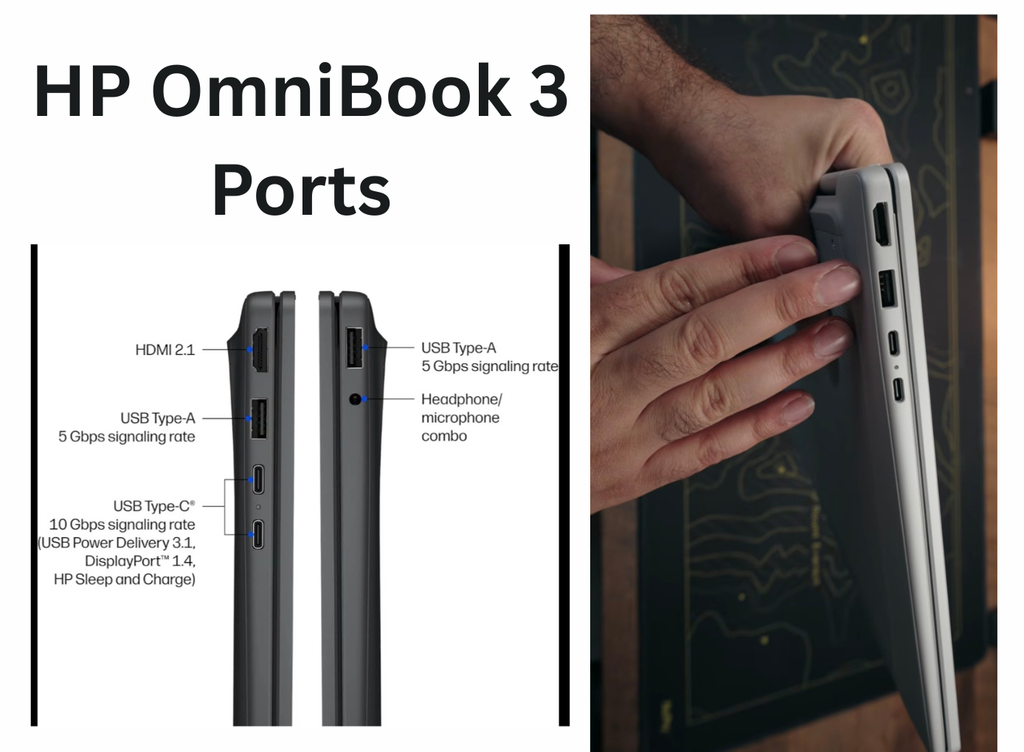
The HP OmniBook 3 is a 16-inch laptop with a friendly architecture, including an internal Core Ultra 7 355 processor, 32GB of RAM, and a 1TB SSD. Its powerful configuration of Wi-Fi 7 and Bluetooth 6.0 provides excellent performance. Although the HP OmniBook 3 features a plastic body design, it boasts a modern, slim look. It weighs 3.6 to 3.7 lbs (approximately 1.7 kg). The device offers good ports, including USB-A and USB-A with HDMI 2.1
Display:-
The OmniBook 3 laptop’s display is a 16:10 Full HD+ mixed-color IPS display with 60Hz and 300 nit brightness, which is good for general productivity but less suitable for creative professionals. Being an IPS panel, text is clear and viewing angles are good. For general use, such as working indoors, it’s fine, but it becomes difficult outdoors. Similarly, it’s good for streaming movies and editing family photos, but not for professional users who want to edit videos. However, for daily use, the display offers a good viewing experience.
Battery:-
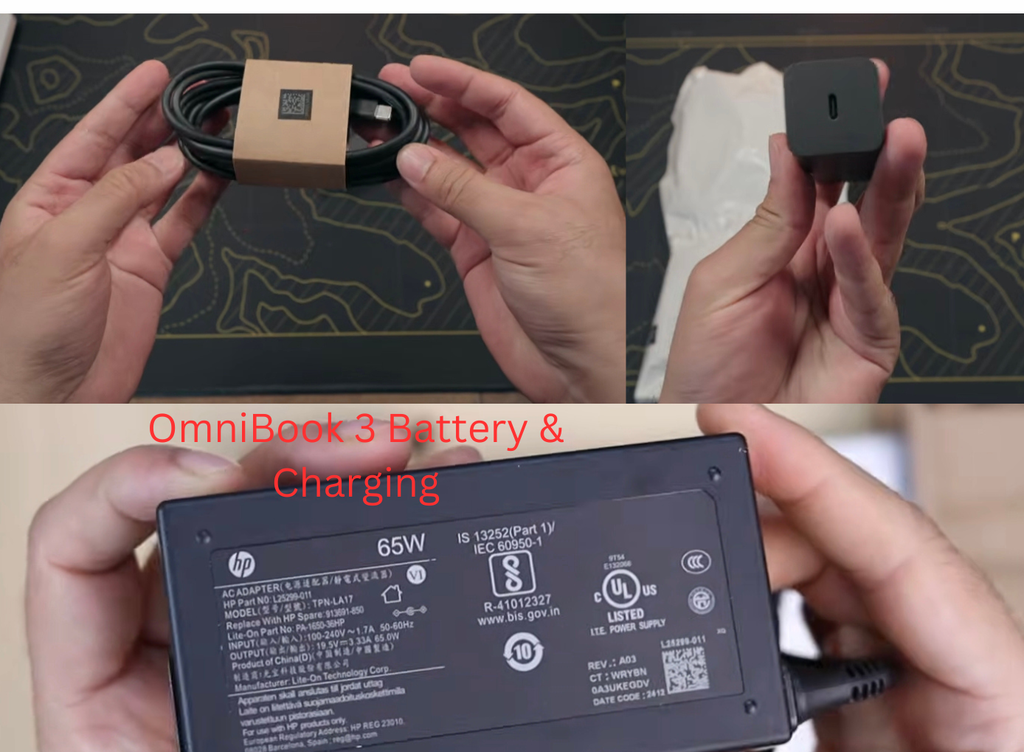
Talking about the battery, the battery is one of the strongest points of any laptop, due to which the user can easily do his work throughout the day, in which the user keeps charging the laptop battery instead of working. That is why HP has provided a powerful 65 Wh battery in this laptop, which saves the user from battery problems. The company has provided fast charging support in HP Omnibook 3 due to which the battery of the laptop gets charged quickly. After the battery is fully charged, it gives a backup of about 8 to 11 hours in daily mixed usage. However, the battery life depends on its brightness and workload.
Who Should Buy the HP OmniBook 3 in 2026 ?
Who should buy the HP OmniBook 3?
The HP OmniBook 3 is a great choice for:
College and high school students
Users who want to use it for remote office work
Families who need a home computer
Small businesses who want to back up their daily work.
Anyone who wants a large-screen laptop at an affordable price.
Is the HP OmniBook 3 Worth Buying in 2026 ?
HP has launched the HP OmniBook 3, a laptop with a large 16-inch display. It offers a comfortable keyboard and battery life for everyday use at an affordable price. It offers improved performance and better battery life.
Yes, this laptop is designed for users who can handle all kinds of everyday tasks, rather than chasing premium features that drive up the price.
In fact, it’s not designed for gaming or creative workloads. Rather, it’s considered ideal for students, content creators, remote workers, and office use. If you want a Windows laptop with a large screen and good battery life that lets you easily browse the web, stream content, and perform daily multitasking, you can buy the HP OmniBook 3 in 2026.
About Specification of HP OmniBook 3
| Specification | HP OmniBook |
|---|---|
| Product | HP OmniBook 3 16-inch |
| Release | 2026 |
| Operating system | Windows 11 Home / Windows 11 Home Single Language |
| Processor | Intel Core Ultra 7 355 |
| Display size | 16 inches |
| Aspect ratio | 16:10 |
| Display resolution | 1920 × 1200 or 2560 × 1600, depending on configuration |
| Display type | IPS or OLED |
| Touchscreen | Available on selected configurations |
| Brightness | Up to 500 nits |
| RAM | Up to 32GB |
| Storage | Up to 1TB PCIe NVMe SSD |
| Wireless | Wi-Fi 6/6E or Wi-Fi 7, depending on configuration |
| Bluetooth | Bluetooth 5.3, 5.4, or 6.0 depending on configuration |
| USB-C | Up to 2 × USB-C |
| USB-A | Up to 2 × USB-A |
| HDMI | HDMI 2.1 |
| Thickness | Around 1.47 cm |
| Webcam | Configuration-dependent; 1080p webcam available |
| Power adapter | Up to 65W USB-C on selected models |
Summary
Overall, HP launched the OmniBook 3 16-inch in 2026. It’s a budget-friendly Windows laptop that offers good value, a large screen, and reliable battery performance. This laptop is an excellent device, delivering powerful processing power at an affordable price. Users who prioritize performance and a professional-grade display may want to consider other laptops. However, this laptop may be better suited for students, remote workers, and office users. Users can easily work 8 to 11 hours a day on this laptop. The OmniBook 3 comes with Windows 11, which provides access to the latest features. Best of all, HP has built a suite of utility apps for system updates and diagnostics, allowing users to troubleshoot laptop issues.




1 thought on “HP OmniBook 3 16-Inch Laptop Review: Is This the Best Budget Laptop for 2026?”